AIPC Weekly
AI News Week 22 — Your AI now has a memory: Claude, ChatGPT and Gemini know who you are
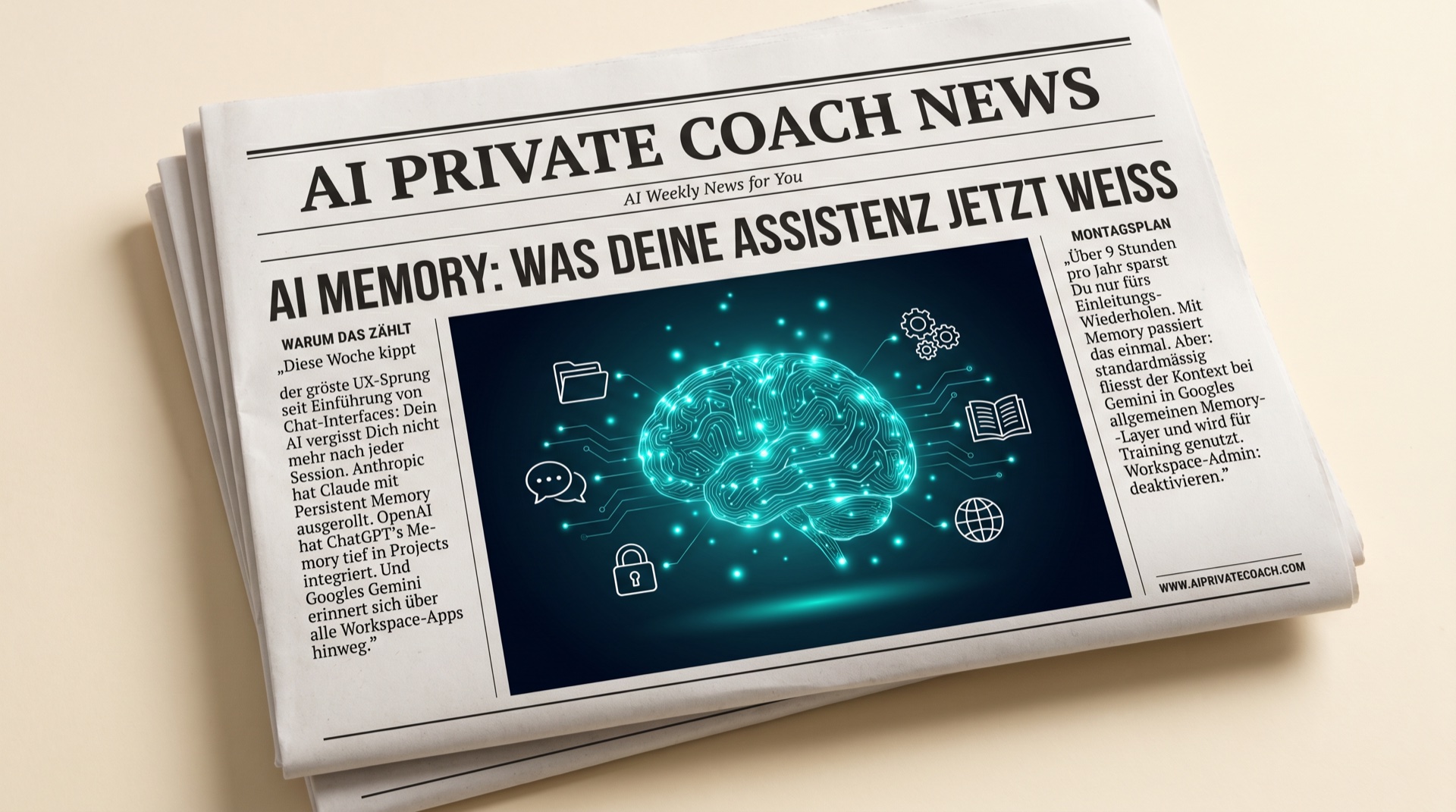
This week marks the biggest UX leap since chat interfaces were introduced: your AI no longer forgets you after every session. Anthropic rolled out Claude's persistent memory to all Pro users, OpenAI deeply integrated ChatGPT's Memory module into Projects, and Google's Gemini now remembers your preferences across every Workspace app. This is huge — and the largest blind spot in most Swiss SME setups. Three stories, one clear Monday plan.
1. Claude Persistent Memory is live — your AI coach with a notepad
Anthropic took Claude Memory out of beta this week. Claude now automatically remembers recurring facts about you — your company, industry, preferred tone, open projects. You can view the memory file, delete individual entries, or turn the feature off entirely.
Why it matters for you: until now you've explained your role and context at the start of every chat — "I'm co-managing director of a Swiss consulting firm with eight staff…". Those 30 seconds per chat × 5 chats per day × 220 working days = over 9 hours per year spent on introductions alone. With Memory it happens once.
Monday plan: go to Claude → Settings → Memory and check what's already there. Add deliberately: your top-3 projects, your preferred language per context (DE vs EN), your "red lines" (e.g. "never use client names in texts"). A tiny investment with massive returns.
2. ChatGPT Projects + Memory — the underrated combo
OpenAI rolled out ChatGPT Memory deeply integrated into Projects. Translation: each project (Client X, Product Y, Strategic Initiative Z) gets its own memory set, only active inside that project. Finally clean separation instead of a chaotic "Karim knows everything about everyone" soup.
Why it matters for you: if you juggle multiple clients/projects, you had two bad options — dump everything into one chat history (mess), or re-explain per client (repetition). Project-scoped memory solves both. Plus: archive a project and its memory "sleeps" — clean handoff when a client leaves.
Monday plan: create a project for your single most important engagement. Load the basics (brief, stakeholders, deadlines), enable memory for that project, work with it for a week. Then compare: was it different from your usual chatting? Most people notice: yes, dramatically.
3. Gemini Workspace Memory — and why it's the most dangerous of the three
Google unified Gemini's memory layer across every Workspace app this week. Gemini in Docs, Sheets, Slides, Gmail compose: all share the same context about you. Sounds brilliant — and it is. But: by default this context flows into Google's general memory layer, and without a Workspace admin setting it's also used for training.
Why it matters for you: if you're a Swiss SME with employee data in Google Workspace, this is a revDSG topic that belongs on the table this week, not in two months.
Monday plan: Workspace Admin → Apps → Google Workspace → Gemini → "Use my workspace data to train Google's AI" → switch off. If you're not the admin yourself: message your IT lead or Workspace reseller today. A 2-minute job — but someone has to do it.
Tool of the week: Granola — meeting AI that doesn't live in the cloud
Granola is a native Mac app for meeting notes with AI summarisation. What makes it special: audio transcription runs locally on your Mac (no cloud stream), and you choose which notes go to the cloud models and which don't. USD 18/month on the Pro plan.
Who benefits most? Consultants, executives and coaches with 10+ meetings a week. Instead of frantically taking notes during a meeting, you let Granola build the skeleton — you just add keywords and can actually listen.
Privacy note: local transcription is genuinely local. But the moment you click "Generate summary", the transcribed text goes to Claude or GPT. For sensitive client calls: agree first, use second.
Karim's take
Persistent memory is 2026's equivalent of what smartphone apps were in 2010 — a UX revolution that looks obvious in hindsight and gets ignored ahead of time. Anyone who doesn't deliberately set up memory in the next 4 weeks (what's stored, what isn't, per context) hands competitors both speed and data sovereignty.
Among Swiss SMEs I see two camps right now: a small group structuring memory cleverly per project (= massively more productive), and a large remainder either switching everything off (= losing efficiency) or letting everything run (= losing compliance). There's a middle path, and it's set up in one coaching hour.
That's exactly what we do in AI Sprint 30 in one session: your memory strategy on one A4 page — which tools, which data, which projects, which red lines. Practical, documented, handover-ready.
Want your own memory strategy? 20 minutes is enough.
👉 Book your free discovery call
See you next Monday — Karim
Next steps
Want to put order into your own AI setup, or upskill your team? Book your free 20-min Discovery Call — personal, no obligation.
Book free Discovery CallAIPC Weekly — straight to your inbox
Every Friday a short email with the AI news that matters, translated for SMEs and beginners. Free. Unsubscribe anytime.
By subscribing you agree to our privacy policy. No spam, ever.
More posts
22 May 2026
AI News Week 21 — Agents leave the lab, Microsoft Build sets the standard, Swiss SMEs need a clear line
18 May 2026
AI News Week 20 — Apple opens up to Claude, Google rebuilds Android around Gemini, 82% of SMEs are in
09 May 2026